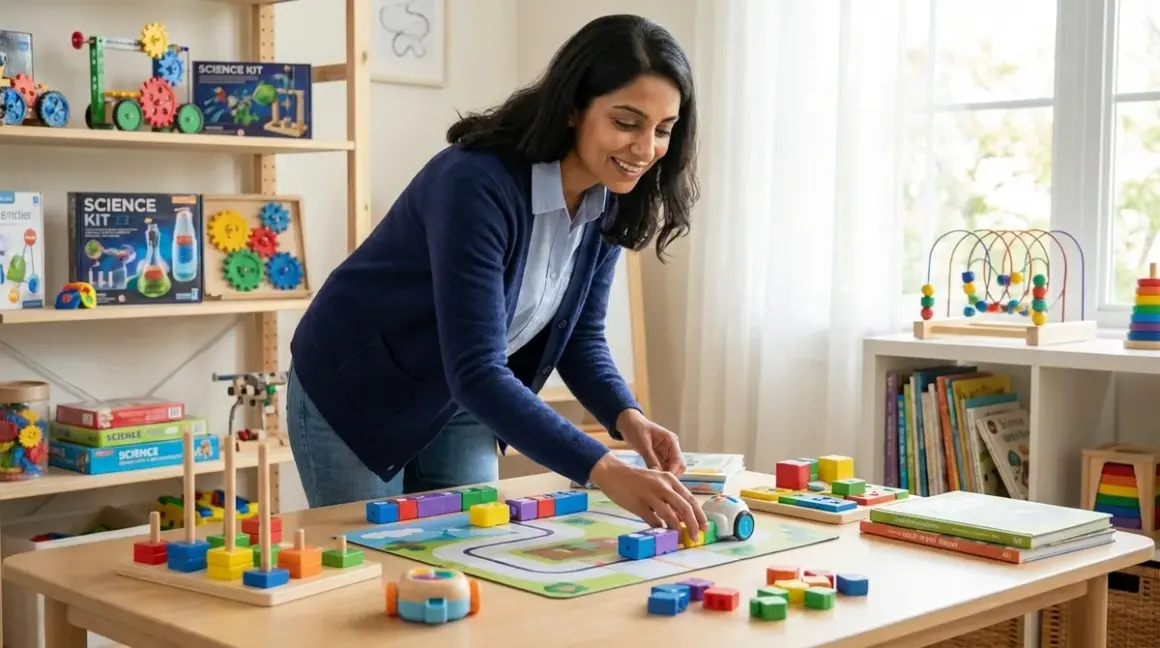

You want your child to understand programming, but you're not ready to hand over a screen for hours at a time. That's the paradox many parents face today. Here's the good news: screen free coding to text based programming isn't just possible—it's one of the most developmentally sound paths you can choose. When children learn computational thinking through physical manipulation and tactile problem-solving first, they build cognitive foundations that make the transition to Python, JavaScript, and C++ remarkably intuitive.
I've watched this unfold countless times in my practice. A five-year-old moves wooden blocks to "program" a path. Two years later, that same child grasps loops and conditionals in Scratch without hesitation. The physical memory guides the abstract understanding.
What Is Screen-Free Coding?
Screen-free coding refers to learning programming concepts—sequencing, algorithms, loops, conditionals, debugging, and functions—without using digital devices. Instead, children manipulate physical objects: wooden tiles, cardboard cards, robots that respond to button presses, or board games designed around computational logic.
These aren't simplified versions of "real" coding. They're concentrated doses of the same logical structures that underpin every programming language. When your child arranges command cards to make a robot move forward-turn-forward-turn, they're writing an algorithm. When they realize the sequence didn't work and they need to change the third card, they're debugging.
The Cubetto Playset is a classic example—a wooden robot that children program using colored blocks placed on a control board. No screens, no syntax, just pure computational thinking made tactile.
What makes this approach powerful is that it isolates the thinking from the typing. Children don't get tangled in semicolons or syntax errors while they're still learning what a loop actually does. They build mental models through their hands. This is especially critical for children under eight, whose abstract reasoning is still developing but whose spatial and motor skills are flourishing.
For more context on how these tools fit into early STEM education, see our guide on what is screen-free coding.
How Screen-Free Coding Works
The journey from screen free coding to text based programming relies on a principle from developmental psychology called embodied cognition—the idea that physical experience shapes abstract thought. When children physically manipulate objects to create sequences, they're encoding those patterns in motor memory, not just visual memory.
The Physical-to-Abstract Pipeline
Let's break down what happens in a child's brain during screen-free coding:
Step 1: Concrete manipulation. Your child holds a "forward" card and places it in sequence. This is a motor action with immediate spatial feedback.
Step 2: Pattern recognition. After several rounds, your child notices that "forward-forward-forward" creates predictable movement. They're abstracting the concept of repetition.
Step 3: Mental simulation. Eventually, they start planning sequences before placing cards, running the program in their mind. This is executive function development—the ability to hold and manipulate information mentally.
Step 4: Generalization. When they encounter a "repeat" block later in a screen-based tool like Scratch, they recognize it instantly. The physical memory of "I did this three times before" maps directly onto the digital loop structure.
This progression mirrors how children learn language. They don't start with grammar rules; they start with sounds, words, and gestures. Syntax comes later, after the brain has internalized patterns through repeated physical and social experience.
Command Structures That Transfer Directly
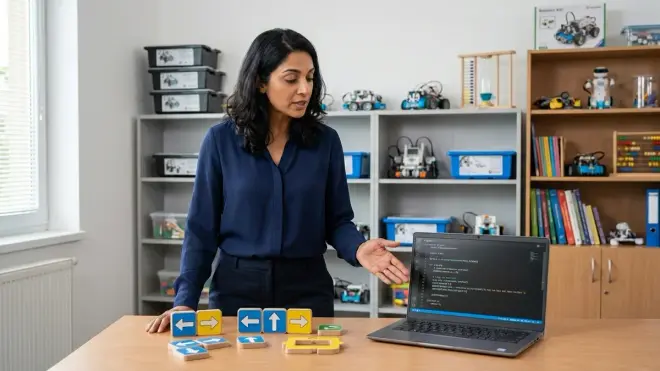
Screen-free coding tools deliberately use universal programming concepts:
- Sequencing: Placing cards or tiles in order translates directly to writing lines of code in sequence.
- Loops: Repeat tiles or "go back to start" commands become
forandwhileloops in Python. - Conditionals: "If blocked, turn right" cards map onto
if/elsestatements. - Functions: Reusable sub-routines on separate cards translate to function definitions in text-based languages.
The Code & Go Robot Mouse Activity Set uses these exact structures. Children build mazes and program the mouse with directional cards—sequence, trial, error, refinement. When they later see move_forward() in Python, it's not alien. It's just the card they used to hold, now written as text.
Debugging as a Tactile Skill
One of the most underrated benefits of physical coding is how it normalizes debugging. When a robot doesn't follow the intended path, children can see exactly where the sequence broke down. They pick up the incorrect card, replace it, and try again. No error messages, no frustration from typos—just direct, visual feedback.
This builds what I call debugging confidence. By the time they encounter syntax errors in Arduino IDE or Python IDLE, they've already internalized the problem-solving loop: test, observe, identify the error, fix, retest. The medium has changed, but the thinking hasn't.
For families building a progression from physical to digital tools, our progressive learning path checklist for screen-free coding to Arduino programming maps out skill milestones and compatible products.
Why Screen-Free Coding Matters for Text-Based Programming
You might wonder: if the goal is Python or JavaScript, why not start there? Why take the detour through wooden blocks and cardboard cards?
The answer lies in cognitive load. Text-based programming demands simultaneous mastery of multiple skills: typing, syntax, abstract logic, and often math or coordinate systems. For a seven-year-old, that's overwhelming. Screen-free coding unbundles these demands.
Reducing Cognitive Overload
When a child learns programming concepts through tactile tools first, they're only managing the logic. They're not also managing:
- Typing speed and accuracy
- Syntax rules (where do the parentheses go?)
- Debugging cryptic error messages
- Navigating an IDE interface
Once the logical structures are internalized—once loops and conditionals feel intuitive—adding syntax becomes a translation task, not a conceptual leap. I've seen eight-year-olds transition from the Osmo Coding Starter Kit to Scratch to Python in less than a year, precisely because they weren't learning logic and syntax simultaneously.
Building Frustration Tolerance
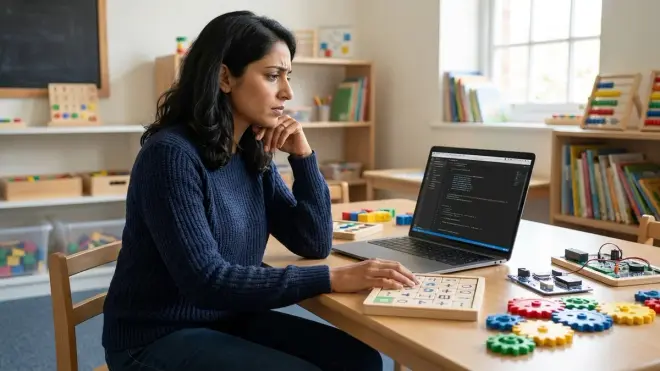
Screen-based coding for beginners often involves a lot of failure. Missing a single character breaks the entire program. For children with developing executive function, this can be demoralizing.
Screen-free tools, by contrast, offer gentler failure. The robot goes the wrong way, but it still moves. Your child can see what happened and adjust. This builds resilience and iterative thinking—the habits that separate persistent programmers from those who quit after their first error message.
Preparing for Industry-Standard Tools
Here's the part that matters long-term: the progression from screen free coding to text based programming mirrors how professional developers actually work. They don't start by writing code. They sketch algorithms, draw flowcharts, pseudocode on whiteboards. They think through the logic before typing.
Children who learn this way are practicing real engineering habits. By the time they reach Arduino IDE (C++) or Python scripting for robotics, they're not intimidated by the blank editor. They know the logic already exists in their head; the code is just notation.
For more on how this transition works in practice, read how to transition from screen-free coding to Scratch and Python programming.
Screen-Free Coding Approaches and Their Text-Based Counterparts
Not all screen-free tools are created equal. Some emphasize sequencing, others focus on spatial reasoning or logical operators. Choosing the right approach depends on your child's age and where they're headed in their programming journey.
Command Card Systems
Tools like Cubetto, Code & Go Robot Mouse, and the Think Fun Code Master Programming Logic Game use physical cards or tiles that represent commands. Children arrange these in sequence to solve puzzles or navigate mazes.
What they teach: Linear sequencing, basic loops, debugging by observation.
Text-based equivalent: Python's procedural scripts, where each line executes in order. The mental model of "read top to bottom, execute each command" transfers directly.
Lab Specs: Battery-powered (typically AA or AAA), no connectivity required, fully offline. Durable for repeated use; most components are wood or thick cardboard.
Board Games with Algorithmic Rules
Games like Robot Turtles and Code Monkey Island require players to plan multi-step sequences and anticipate outcomes before executing moves.
What they teach: Planning ahead, conditionals ("if this happens, then what?"), and function-like reusable strategies.
Text-based equivalent: JavaScript conditionals and functions. Players learn to encapsulate repeated actions—essentially creating their own functions before they know the term.
Lab Specs: No power requirements, no consumables. Expandability is limited; these are standalone experiences but excellent for introducing programming concepts socially.
Unplugged Robotics with Button Interfaces
Robots like Botley or Bee-Bot respond to sequences of button presses on their bodies. Children program the robot directly, then watch it execute.
What they teach: Memory (holding sequences mentally), immediate feedback loops, spatial reasoning.
Text-based equivalent: Arduino sketches, where you define a sequence of motor commands and upload them to hardware. The "press buttons, then run" model mirrors the "write code, upload, observe" workflow.
Lab Specs: Rechargeable batteries preferred for long-term use, no screen dependency, works on any flat surface. Highly durable; designed for classroom and home lab repeated use.
Logic Puzzle Books and Card Games
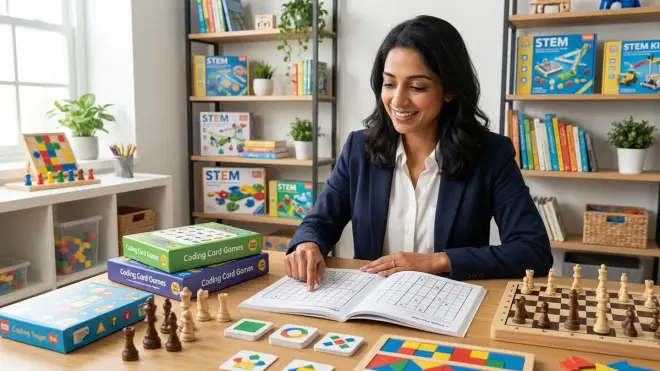
Non-robotic tools like Binary Bingo or algorithm flowchart puzzles teach computational thinking without any hardware.
What they teach: Boolean logic, pattern recognition, decomposition of complex problems into steps.
Text-based equivalent: Any language with conditional logic and operators. These tools build the mental habits needed to parse if (x > 5 and y < 10): structures in Python or Java.
Lab Specs: Zero power, zero connectivity, zero consumables. Infinitely reusable if laminated or photocopied.
For detailed reviews of specific kits and their age appropriateness, see our guide to the best screen-free coding kits for kids.
Progressive Learning Path: From Tactile Commands to Text Syntax
The transition from screen free coding to text based programming isn't a leap—it's a bridge built from carefully sequenced skill milestones. Here's what that path typically looks like in a home STEM lab or learning environment.
Ages 4-6: Foundational Sequencing
Skill outcome: Understanding that instructions happen in order and produce predictable results.
Tools: Cubetto, Robot Turtles, Bee-Bot.
Capability milestone: Child can plan a 5-step sequence mentally before executing it. They understand that changing the order changes the outcome.
What's next: This foundation makes Scratch's block-stacking interface feel familiar, not foreign.
Ages 6-8: Loops and Conditionals
Skill outcome: Recognizing repeated patterns and using "if-then" logic.
Tools: Osmo Coding games, Code Master, screen-free coding challenges with "repeat" and "if blocked" tiles.
Capability milestone: Child can solve puzzles requiring nested logic (e.g., "repeat three times: move forward, if path is clear then turn right").
What's next: Scratch's loop and conditional blocks map directly onto these physical experiences. The syntax is new, but the logic is not.
Ages 8-10: Functions and Variables
Skill outcome: Creating reusable sub-routines and tracking changing values.
Tools: Advanced screen-free challenges, hybrid tools like Osmo Coding Duo, or transition tools that introduce variables through physical counters or markers.
Capability milestone: Child can design a multi-step solution, test it, identify inefficiencies, and refactor by creating a "function" (a repeatable sequence they name and reuse).
What's next: Text-based languages like Python or block-to-text tools like Scratch's "see inside" code view. At this stage, typing out def move_sequence(): feels like naming a card they used to hold.
Ages 10+: Full Text-Based Programming
Skill outcome: Writing, debugging, and iterating on code in Python, JavaScript, or C++ (Arduino IDE).
Tools: Arduino kits, Python-based robotics platforms (like those compatible with Raspberry Pi), or software projects in VS Code or Python IDLE.
Capability milestone: Child can write a 20-50 line program from scratch, debug syntax and logic errors independently, and explain what each section of code does.
Industry connection: At this point, your child is using the same tools as professional developers—Arduino for embedded systems, Python for data science and AI, JavaScript for web development.
For a detailed breakdown of skill transitions and compatible product recommendations, see our progressive learning path checklist.
Lab Specs: What to Look for in Screen-Free Coding Tools
As with any STEM investment, durability, expandability, and compatibility matter. Screen-free coding tools should support repeated use, integrate into a broader learning path, and offer clear progression toward text-based platforms.
Power and Connectivity
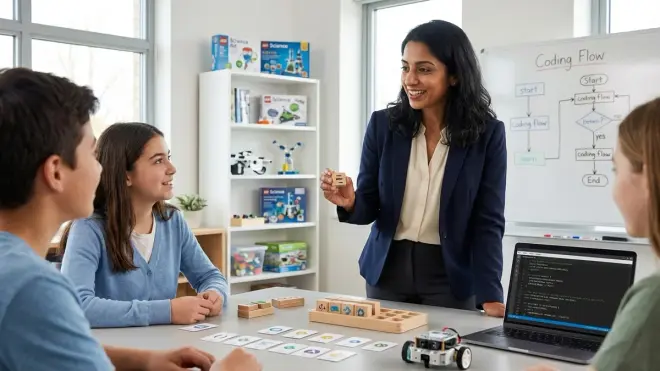
Best for long-term use: Rechargeable battery systems (USB-C or micro-USB). Robots that rely on disposable AA batteries become expensive over time.
Offline vs. cloud-dependent: True screen-free tools are fully offline—no app required, no firmware updates, no subscription. This is ideal for younger learners and for families managing screen time.
Compatibility check: If the tool eventually connects to a screen-based platform (e.g., Osmo games that pair with iPad apps), ensure it supports your devices. iOS vs. Android, Windows vs. macOS, and Chromebook compatibility vary widely.
Durability and Reusability
Materials matter: Wooden components (Cubetto) outlast plastic in repeated use. Thick cardboard (Robot Turtles tiles) lasts years if stored properly, while thin paper wears quickly.
Consumables: Avoid kits that require proprietary cards or tiles you'll need to replace. The best tools are self-contained.
Expandability: Can you add challenge cards, new maps, or integrate the tool with other STEM kits? Some screen-free robots work with LEGO-compatible bases, extending their lifespan as your child's skills grow.
For a detailed evaluation framework, see our screen-free coding kit evaluation checklist.
Age-Appropriate Skill Progression
Don't just look at the age range on the box. Ask: What specific skill does this teach, and where does it lead?
A four-year-old using Cubetto should, within six months, be able to plan sequences mentally and debug simple errors. If they can't, the tool isn't challenging enough.
An eight-year-old using Code Master should be ready to transition to Scratch within a year. If they're still solving the same puzzle types after six months, they've plateaued.
For guidance on matching tools to developmental stages, read how to choose screen-free coding kits for different age groups and skill levels.
Common Pitfalls and How to Avoid Them
Even the best tools can fall flat if they're introduced at the wrong time or without proper progression.
Pitfall 1: Skipping the Screen-Free Stage Entirely
Parents sometimes assume that starting directly with Scratch or Python will save time. It rarely does. Without foundational logic, children get bogged down in syntax and interface navigation. They learn to copy-paste code without understanding it.
Solution: Spend 6-12 months on tactile coding before introducing any screen-based tools. The investment pays dividends in comprehension and confidence.
Pitfall 2: Treating Screen-Free Tools as "Toys" Rather Than Skill Builders
If a child plays with a coding robot once and then it sits on a shelf, they've learned nothing.
Solution: Integrate screen-free coding into a weekly routine. Set challenges, track progress, and celebrate milestones. Treat it like piano practice, not recreational play.
Pitfall 3: Transitioning Too Early or Too Late
Moving to text-based languages before a child has internalized loops and conditionals leads to frustration. But waiting too long can bore an advanced learner.
Solution: Watch for capability milestones, not age. When your child consistently solves 10-step problems, debugs independently, and asks "how do I make it repeat forever?"—that's your signal to introduce Scratch or block-based tools.
For a detailed transition guide, see how to transition from screen-free coding to Scratch and Python programming.
Pitfall 4: Ignoring Subscription and Consumable Costs
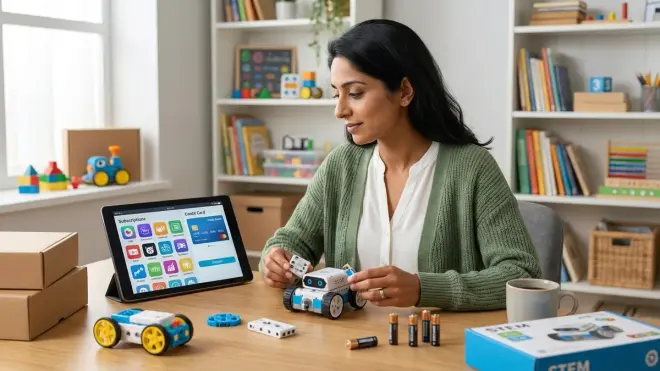
Some hybrid tools (Osmo, for example) require ongoing purchases: new game tiles, app subscriptions, or device upgrades.
Solution: Calculate total cost of ownership over 2-3 years. One-time purchase kits like Cubetto or Robot Turtles cost more upfront but have zero recurring fees.
For comparison shopping, see screen-free coding subscription boxes vs one-time purchase kits.
Frequently Asked Questions
Can screen-free coding really prepare my child for Python or JavaScript?
Yes, absolutely. Screen-free coding teaches the foundational logic structures—sequencing, loops, conditionals, functions—that underpin all text-based languages. When your child transitions to Python, they're not learning entirely new concepts; they're learning how to express familiar patterns in text syntax. Studies in developmental psychology show that children who learn programming concepts through physical manipulation first achieve faster comprehension and make fewer conceptual errors when they begin typing code.
At what age should my child transition from screen-free coding to text-based programming?
Most children are ready to transition between ages 8 and 10, but age is less important than skill milestones. Look for these signs: your child can mentally plan 10+ step sequences, debug errors independently, explain why a sequence didn't work, and express interest in creating more complex programs than their physical tools allow. If they're asking "how do I make it do this?" and the answer requires variables or nested loops, it's time to explore block-based tools like Scratch, which serve as a bridge to text-based languages.
Do I need to buy multiple screen-free coding kits, or is one enough?
One well-chosen kit can provide 6-12 months of learning, but progression typically requires 2-3 tools over the early childhood years. Start with a simple sequencing tool (ages 4-6), add a kit with loops and conditionals (ages 6-8), then introduce function-building challenges (ages 8-10). Each kit targets different cognitive milestones and prepares for the next stage of complexity. The investment is modest compared to screen-based subscription platforms, and the tools are reusable across siblings or can be resold.
Will my child lose interest in screen-free coding if their friends are using iPads or tablets?
Not if you frame it correctly. Position screen-free coding as "engineer mode" or "real programmer thinking"—the way professionals plan before they type. Emphasize that they're building skills their friends haven't learned yet. In my practice, children often feel pride in solving physical puzzles their peers can't, especially when they later demonstrate how quickly they pick up Scratch or Python. Also, many children genuinely prefer tactile tools; the immediate, screenless feedback satisfies their need for hands-on exploration.
Can screen-free coding tools integrate with Arduino or Raspberry Pi later?
Some can, and some can't. Look for tools with expandability features: robots that accept modular attachments, coding challenges compatible with LEGO builds, or systems that explicitly market themselves as "Arduino-ready" or "Raspberry Pi compatible." For example, children who master sequencing and functions on screen-free robots often transition seamlessly to programming Arduino-based robots in C++ because the logic is identical—only the interface changes. Check our progressive learning path resources to identify which tools offer clear pathways to industry-standard platforms.
Building the Bridge from Physical to Digital
The path from screen free coding to text based programming isn't about replacing tactile learning with screens. It's about layering increasing abstraction onto a solid physical foundation. Your child's hands teach their brain what a loop feels like, what a conditional means, what debugging requires. That embodied knowledge doesn't evaporate when they sit down at a keyboard—it guides every keystroke.
When you invest in screen-free coding tools, you're not delaying "real" programming. You're giving your child the gift of deep comprehension—the kind that doesn't crumble when they encounter their first syntax error or logic bug. You're teaching them to think like engineers before asking them to type like programmers.
The children I see who thrive in text-based programming aren't necessarily the ones who started coding earliest. They're the ones who built mental models slowly, physically, patiently. They're the ones who spent months moving wooden blocks before they ever wrote print("Hello, World!").
That's not a detour. That's the foundation.