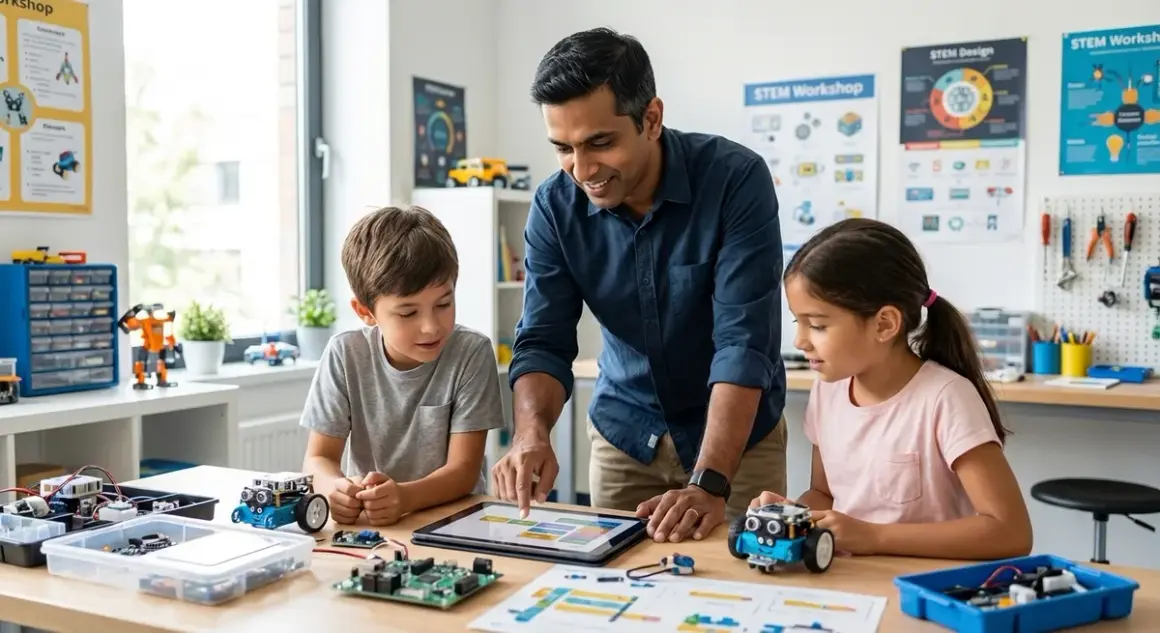

Parents ask the wrong question when they search for AI project ideas for kids. The real question isn't "what project can my child build this weekend?" It's "what sequential capabilities does my child need to eventually contribute to the $15.7 trillion AI economy?" This checklist maps concrete AI project ideas for kids against actual skill progression—from block-based pattern recognition at age 7 to deploying supervised learning models at 15. Each project listed here builds toward industry-standard competencies: Python fluency, dataset management, model training, and algorithmic thinking. No fluff projects. No "AI art generators" that teach nothing about underlying mechanics. Just a clear roadmap from foundational logic to deployable machine learning systems.
This guide assumes you're evaluating long-term skill acquisition, not entertainment value. Projects are organized by technical capability rather than arbitrary age brackets, because a motivated 10-year-old with prior Scratch experience outpaces an unmotivated 13-year-old starting cold. I've structured this around the same learning path I use with my own children and recommend to hiring managers looking for junior ML engineers.
Beginner Level: Pattern Recognition and Decision Trees (Ages 7-10, No Prior Coding Required)
These AI project ideas for kids introduce core concepts—classification, training data, and rule-based logic—without requiring text-based programming. Expect 8-12 weeks to complete this tier before advancing.
Image sorting with supervised card games: Physical card decks where children manually sort images (animals, vehicles, food items) and create written rules for classification. Builds understanding of labeled training data and feature identification. No equipment required beyond printed image sets. Prepares for supervised learning concepts that appear in actual ML workflows.
Teachable Machine projects via Scratch integration: Google's Teachable Machine exports models directly to Scratch 3.0. Children train image classifiers (hand gestures, facial expressions) and integrate them into Scratch games. Requires webcam, Chrome browser, offline Scratch 3.0 desktop app for air-gapped use. Demonstrates the train-test-deploy cycle without Python syntax barriers. Comparison of block-based approaches detailed in Python vs Scratch for Teaching AI.
Decision tree board games: Physical flowchart construction using "20 Questions" mechanics. Child creates branching yes/no decision trees to identify objects, then tests trees against family members. Teaches tree depth, overfitting (trees too specific to training examples), and generalization. Zero cost beyond paper and markers. Directly maps to scikit-learn's DecisionTreeClassifier logic used in production systems.
LEGO sorting algorithms: Manual sorting of LEGO bricks by color, size, then both attributes simultaneously. Children document their sorting rules and measure accuracy when a sibling introduces "test set" pieces. Introduces multi-variable classification and confusion matrices (how many red 2x4 bricks were misclassified as red 2x2?). Links to robotics kits that automate similar sorting tasks later in the learning path.
Voice command training with Scratch: Using Scratch's speech recognition blocks, children build voice-controlled sprite animations. They document which commands work reliably versus which fail, introducing the concept of model accuracy and natural language ambiguity. Requires microphone, works offline with Scratch 3.0 desktop. Sets foundation for later natural language processing projects.
Rule-based chatbot flowcharts: Paper-based conversation flowcharts where children map user inputs to bot responses. They test their chatbot logic by having parents follow the flowchart verbatim, exposing gaps in their decision trees. No coding required. Prepares for Python-based chatbot implementation at intermediate level.
Intermediate Level: Supervised Learning with Python (Ages 10-13, Requires Python Fundamentals)
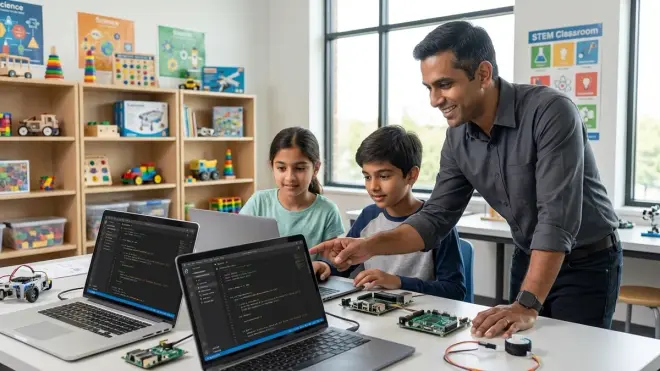
Projects in this tier require proficiency with Python variables, loops, and functions. Children should complete a screen-free coding to text-based transition before attempting these. Expect 15-20 hours per project.
Image classifier with Teachable Machine + Python: Export Teachable Machine models to TensorFlow format, load them in Python using tensorflow.js or keras, and run inference on new images. Children learn model import workflows, understand file formats (.h5, .json), and handle prediction outputs. Requires Python 3.8+, TensorFlow 2.x, 8GB RAM minimum. Introduces dependency management (pip install) and virtual environments—skills used in every professional ML workflow. Step-by-step guidance available in how to build your first machine learning model.
Spam filter using Naive Bayes: Collect 100+ emails (half spam, half legitimate), extract text features (word frequency), train a scikit-learn Naive Bayes classifier, and test accuracy. Children learn data collection ethics, text preprocessing (removing punctuation, lowercasing), and the importance of balanced datasets. Requires Python 3.x, scikit-learn, pandas. Outputs confusion matrix and accuracy metrics—same evaluation tools used in enterprise sentiment analysis systems.
Handwritten digit recognition with MNIST: Load the classic MNIST dataset, visualize digit images using matplotlib, train a simple neural network with Keras, and evaluate accuracy. Children encounter real neural network architecture decisions (number of layers, activation functions) and see how training epochs affect performance. Requires Python 3.8+, TensorFlow 2.x or PyTorch, 16GB RAM recommended for reasonable training speeds. This project directly parallels image recognition tasks in autonomous vehicle development.
Weather prediction from CSV data: Download historical weather data (temperature, humidity, precipitation), clean the dataset in pandas, train a regression model to predict tomorrow's temperature, and calculate prediction error. Introduces time-series data, feature engineering (day of year, month), and train-test split mechanics. Requires Python 3.x, pandas, scikit-learn. Data available from NOAA or similar government weather services. Teaches the same regression techniques used in demand forecasting and financial modeling.
Rock-paper-scissors AI with pattern detection: Build a Python program that plays rock-paper-scissors by detecting patterns in human choices (frequency analysis, streak detection). Children implement their own algorithms rather than using libraries, forcing them to think through probability and prediction logic. Requires only base Python installation. Demonstrates how simple statistical analysis can outperform random guessing—a core insight in many ML applications.
Advanced Level: Deep Learning and Model Training (Ages 13+, Requires Calculus Concepts and GPU Access)
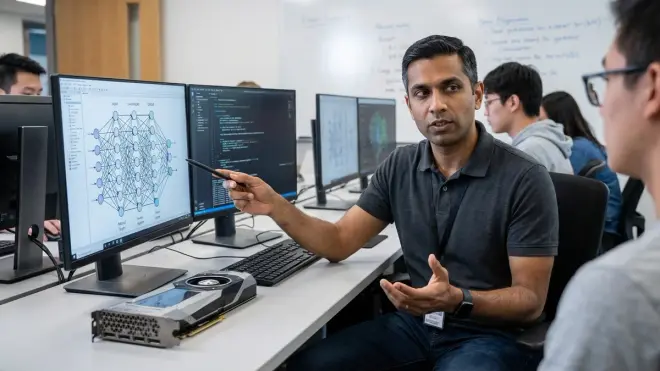
These AI project ideas for kids demand understanding of derivatives, loss functions, and gradient descent. Children need access to GPU hardware (NVIDIA GTX 1060 or better, or cloud GPU credits). Projects take 30-50 hours each.
Custom image classifier with transfer learning: Download a pre-trained ResNet or MobileNet model, freeze base layers, add custom classification layers, train on a self-collected image dataset (500+ images minimum), and deploy via Flask web app. Children learn transfer learning economics (why retrain everything?), data augmentation techniques, and API deployment. Requires Python 3.8+, TensorFlow 2.x or PyTorch, CUDA-compatible GPU, 32GB+ storage for datasets. This workflow mirrors exactly what ML engineers do in production environments—repurposing existing models for new classification tasks. Understanding of neural networks is prerequisite.
Natural language chatbot with transformer models: Fine-tune a lightweight transformer model (DistilBERT or GPT-2 small) on domain-specific conversation data, implement context tracking across multi-turn conversations, and measure response relevance. Children encounter tokenization, attention mechanisms, and the computational cost of large language models. Requires Python 3.8+, Hugging Face Transformers library, 12GB+ GPU VRAM for training. Introduces model quantization and optimization techniques used to deploy models on resource-constrained devices.
Reinforcement learning game agent: Implement Q-learning or Deep Q-Networks to train an agent that plays a simple game (CartPole, Pong clone). Children manually code the reward function, implement epsilon-greedy exploration, and visualize how policy improves over training episodes. Requires Python 3.8+, OpenAI Gym, stable-baselines3 or custom implementation, GPU recommended but not required for simple games. This is the same algorithmic approach used in robotics path planning and industrial control systems.
Object detection with YOLO: Train a YOLO (You Only Look Once) model on a custom dataset of household objects, implement bounding box annotation, and deploy real-time detection via webcam. Children learn annotation workflows (LabelImg or similar), understand intersection-over-union metrics, and confront the speed-accuracy tradeoff in real-time systems. Requires Python 3.8+, Darknet or ultralytics YOLOv5, CUDA-compatible GPU with 8GB+ VRAM, webcam. Directly applicable to autonomous robotics and surveillance systems. Pairs well with Arduino robotics platforms for physical object detection applications.
Generative adversarial network (GAN) for synthetic images: Implement a basic GAN architecture that generates synthetic images (faces, digits, or textures), balance discriminator and generator training, and visualize mode collapse. Children encounter adversarial training dynamics, latent space manipulation, and the instability inherent in GAN training. Requires Python 3.8+, TensorFlow 2.x or PyTorch, 16GB+ GPU VRAM, significant compute time (12-24 hours training). This architecture powers synthetic data generation in industries with limited real-world data availability (medical imaging, rare failure modes in manufacturing).
Final Check Before You Go
Use this condensed checklist to verify project readiness before starting:
- Hardware verification: Confirm compute requirements (RAM, GPU, storage) match your available hardware. Cloud alternatives (Google Colab, AWS SageMaker) provide temporary GPU access but introduce dependency on internet connectivity and subscription costs.
- Software environment: Verify Python version, install required libraries, test imports before starting. Use virtual environments (venv or conda) to isolate project dependencies.
- Dataset availability: Confirm access to training data, understand licensing restrictions (many datasets prohibit commercial use), and assess dataset quality (label accuracy, class balance).
- Time allocation: Block 2-3 hour work sessions minimum. ML training requires uninterrupted focus—context switching destroys momentum.
- Learning path position: Verify prerequisite skills are solid before advancing tiers. Skipping foundational work creates compounding knowledge gaps that surface as "I don't understand why this doesn't work" frustration later.
- Output validation: Define success criteria before starting (target accuracy percentage, qualitative behavior goals). "It works" is insufficient—specify measurable outcomes.
Frequently Asked Questions
What prerequisite math skills do kids need before starting intermediate AI projects?
Children need comfort with percentages, basic statistics (mean, mode), and simple algebra (variables, equations) for intermediate projects. Advanced projects require understanding derivatives conceptually (rate of change, slope) and matrix operations (multiplication, dot products). Most Python ML libraries abstract the calculus implementation, but children who can't conceptually grasp "adjusting weights based on error gradient" will struggle with debugging and hyperparameter tuning. If your child hasn't covered derivatives in formal coursework, visual explainers showing gradient descent as "walking downhill" provide sufficient conceptual foundation to start. Full calculus fluency becomes necessary only when implementing custom loss functions or novel architectures.
How do AI learning kits compare to building projects from scratch in Python?
Packaged AI learning kits accelerate initial exposure by eliminating environment setup friction—you unbox hardware, run provided software, and see immediate results. They work well for demonstration and proof-of-concept understanding but constrain customization. Building from scratch in Python develops transferable skills: debugging cryptic error messages, reading documentation, managing dependencies, and structuring projects—the unglamorous work that comprises 80% of professional ML engineering. I run my own children through both: kits for initial concept exposure, then immediate transition to Python implementation of the same concepts. The kit provides motivation and context; the Python work builds employable skills.
Can younger kids work on AI projects without understanding the underlying math?
Yes, at the beginner level detailed above, but with clear limitations. Pattern recognition, decision trees, and supervised learning via visual tools teach classification thinking and model training workflows without requiring mathematical formalization. This builds intuition that makes later math instruction more concrete. However, progression beyond basic supervised learning requires understanding probability (confusion matrices, accuracy metrics), algebra (feature weighting, linear relationships), and eventually calculus (gradient descent). Attempting advanced projects without mathematical foundation produces children who can follow tutorials but cannot debug failures, optimize models, or adapt techniques to novel problems. The goal is not entertainment—it's building toward career-viable competency, which requires mathematical literacy by age 13-14.
Final Thoughts
The AI project ideas for kids listed here represent a three-year minimum progression from pattern recognition to deployable models. Rushing through tiers produces shallow familiarity rather than transferable skills. Current hiring data shows demand for mid-level ML engineers (3-5 years experience) outpacing entry-level positions 3:1—employers want people who can implement, debug, and optimize existing models, not just conceptually discuss AI. A 15-year-old who has completed the intermediate tier projects above demonstrates more employable capability than many undergraduate CS majors. The key differentiator: they've debugged real training failures, managed real datasets, and deployed working systems. Theory matters, but production competency gets hired. Start with decision trees this month. By 2029, your child could be training production models while their peers are still deciding which college major to choose.