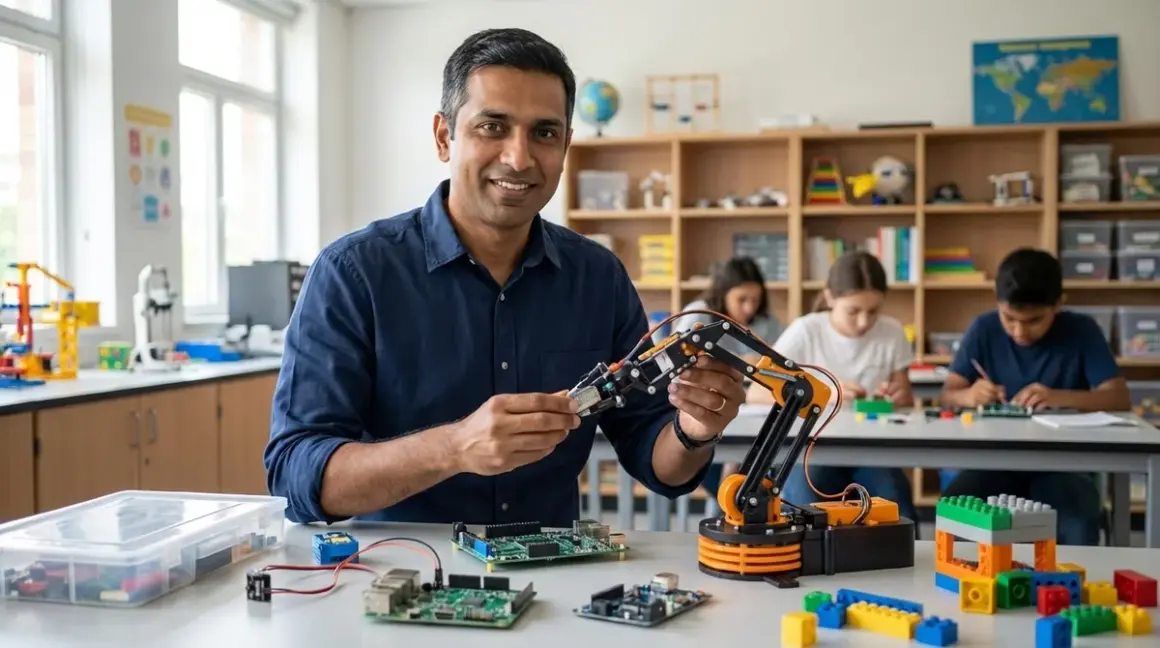

Parents face a $28 billion toy market saturated with products labeled "STEM," but most teach nothing transferable to actual careers. This guide shows how to choose STEM toys that teach real skills—the kind that translate to Python proficiency, CAD workflows, and logic gate comprehension rather than disposable entertainment. You'll learn a systems-level framework for evaluating products based on technical compatibility, progressive skill acquisition, and alignment with industry hiring requirements. Execution time: 45 minutes to establish evaluation criteria, then ongoing application across purchasing decisions.
I ran my own children through these filters after watching them burn through $600 in products that delivered zero employable outcomes. The methodology below draws from fifteen years observing which entry-level competencies consistently separate hired candidates from rejected ones.
What You'll Need
- Current learning path audit: Document existing skill levels in programming logic, mechanical systems, and circuit fundamentals
- Platform compatibility checklist: Operating systems available in your household (Windows/macOS/Linux/ChromeOS), mobile devices, offline capability requirements
- Budget allocation framework: Total STEM investment capacity across 12-24 months, including consumables and subscription costs
- Space and power infrastructure assessment: Available workspace, outlet access, ventilation for thermal processes
- Industry skill taxonomy: Reference list of actual entry-level job requirements from 2026 postings in robotics, software development, manufacturing engineering
Step 1: Map Product Capabilities to Industry-Standard Tools
How to choose STEM toys that teach real skills starts with reverse-engineering from professional toolchains. A product only merits consideration if it creates transferable competency in platforms actually used in employment contexts.
Evaluate each product against this technical progression:
- Block-based programming (Scratch, Blockly): Entry point only—must explicitly support transition to text-based languages within 6-12 months
- Python: Industry standard for data science, automation, AI/ML applications; prioritize products with Python API access
- Arduino IDE/C++: Embedded systems foundation; essential for robotics and IoT career paths
- CAD software: Fusion 360, Tinkercad, or OpenSCAD compatibility signals genuine design skill development
- Version control exposure: Advanced products should introduce Git concepts or collaborative coding workflows
The LEGO Mindstorms Robot Inventor demonstrates clear value proposition here: supports Scratch for initial programming, then Python for advanced users, preparing learners for the same environments used in university robotics labs. Contrast this with closed-ecosystem products that lock users into proprietary languages with zero external application.
Products teaching "coding" through narrative games without exposing actual syntax, logic structures, or debugging tools fail this filter immediately. You're purchasing entertainment, not skill development.
Step 2: Verify Progressive Learning Architecture
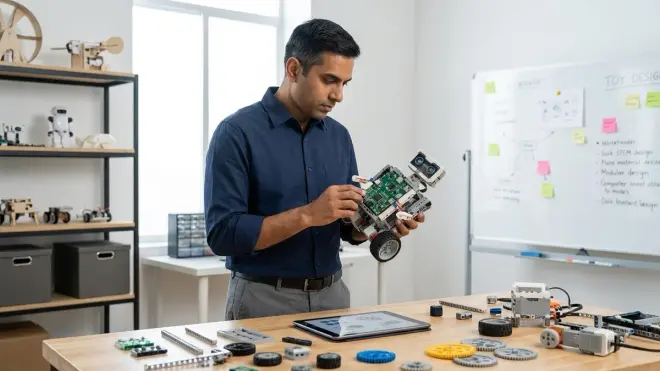
Career-ready skills build through sequential complexity, not scattered exposure. Evaluate whether a product exists within a documented learning path that connects foundational concepts to advanced applications.
Essential path components:
- Input/output fundamentals: Sensors reading environmental data, actuators responding to programmed commands
- Conditional logic: If-then structures, Boolean operators, state machines
- Variables and data structures: Memory management, arrays, basic data types
- Functions and modular code: Reusable code blocks, parameter passing, return values
- Hardware-software integration: Understanding how code translates to physical behavior through electronics
The VEX Robotics V5 Starter Kit exemplifies this approach—each build increases mechanical complexity while programming challenges scale from simple motor control to competition-level autonomous navigation. The system supports learners from age 10 through high school, eliminating the need to abandon platforms and restart skill acquisition.
Products without explicit skill ladders—those presenting isolated activities rather than cumulative competency—deliver no lasting value. Understanding how screen-free coding prepares kids for text-based programming provides framework for evaluating these progressions across different product categories.
Step 3: Assess Technical Compatibility and Lock-In Risks
Real-world engineering demands tool interoperability. Products that create vendor lock-in or impose artificial compatibility restrictions teach the wrong lessons about systems integration.
Critical compatibility checks:
Operating system requirements: Does it function across Windows, macOS, and Linux? Cloud-dependent products become unusable when internet fails or services shut down. Prioritize offline-capable solutions.
Hardware expandability: Can you integrate third-party sensors, motors, or components? Proprietary connector systems that prevent standard electronics integration limit advanced learning.
Software licensing: Does the platform require ongoing subscriptions? Annual fees for basic functionality represent poor ROI compared to one-time purchases with perpetual access.
File format standards: For CAD products, does it export to industry formats (STL, STEP, IGES)? Proprietary file systems trap designs within single ecosystems.
I eliminated three robotics platforms from my children's lab after discovering they required cloud connectivity for basic programming—unacceptable when internet outages shouldn't halt learning. The Arduino platform remains standard specifically because it's open-source, runs offline, and accepts any USB-compatible sensor on the market.
Step 4: Quantify Skill Outcomes with Capability Milestones
Vague age recommendations ("ages 8-12") provide zero useful information. Demand specific, measurable skill outcomes tied to completion of product activities.
Acceptable capability milestones include:
- "Student will program a three-sensor decision tree using AND/OR logic operators"
- "Learner will design, slice, and print a functional gear train with specified torque characteristics"
- "User will train a supervised learning model to classify images with >75% accuracy"
- "Builder will construct a PID-controlled line-following robot from individual components"
These outcomes map directly to competencies evaluated in technical interviews. Compare this specificity to marketing language like "explores coding concepts" or "develops problem-solving skills"—meaningless claims that excuse poor instructional design.
Products achieving these outcomes prepare learners for STEM skill milestones that 10-year-olds can actually master, creating competitive advantage when applying to selective STEM programs or university admissions.
Step 5: Calculate True Cost Including Consumables and Expansion
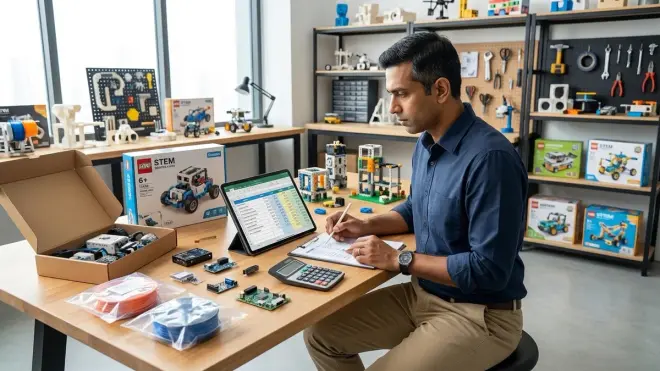
Entry price represents only the first data point in total cost of ownership. How to choose STEM toys that teach real skills requires analyzing the complete financial picture across the product's useful learning lifespan.
Total cost analysis:
Subscription requirements: Monthly fees for curriculum access, cloud storage, or software updates add $120-$300 annually. Five-year product lifespan means $600-$1,500 hidden cost.
Consumable expenses: 3D printer filament runs $15-$25 per kilogram; active learners consume 2-4 kg monthly. Electronics kits with non-reusable components require continuous restocking.
Expansion modules: Does the product provide 12-24 months of learning, or does it require $50-$150 expansion packs every 3-6 months to maintain engagement?
Replacement parts for durability: Products with fragile gears, brittle connectors, or proprietary batteries that fail within 18 months represent poor long-term value.
The Creality Ender 3 V3 SE 3D Printer demonstrates transparent economics: $200 initial investment, $20/month in filament for active use, no subscriptions, widely available replacement parts. Contrast this with subscription-based coding platforms that charge $30/month for content that becomes inaccessible the moment you stop paying.
Calculate cost per skill hour—total expenses divided by documented learning time. Products exceeding $5 per meaningful learning hour rarely justify their price.
Step 6: Evaluate Lab Specs for Educational Environments
Consumer toy standards differ fundamentally from educational equipment requirements. Products entering a home STEM lab setup must meet infrastructure and durability specifications.
Lab Specs checklist:
Power requirements: Voltage, amperage, outlet count—critical for spaces with limited electrical capacity. Battery-powered products need documented runtime and recharge cycles.
Connectivity: USB 2.0/3.0, Bluetooth version, Wi-Fi requirements. Legacy USB 2.0 creates bottlenecks for data-intensive applications.
Physical durability: Drop test ratings, component replaceability, UV resistance for window-exposed labs. Consumer-grade plastics typically fail within 12-18 months of daily use.
Thermal management: Does it require ventilation? 3D printers and soldering equipment need airflow specifications. Products generating fumes demand exhaust solutions.
Noise levels: Decibel ratings matter for shared living spaces. Some 3D printers and robotics motors exceed comfortable background noise thresholds.
Storage footprint: Dimensions when stored versus operational space requirements. Products requiring permanent desk space compete with other learning activities.
Products lacking published specifications for these parameters signal consumer-grade manufacturing incompatible with serious skill development. Home STEM lab safety requirements provides comprehensive infrastructure checklist.
Step 7: Verify Alignment with Hiring Trends and Skill Gaps
The 2026 employment landscape shows clear skill deficiencies in entry-level candidates. Products addressing documented gaps deliver superior career preparation value.
Current high-demand competencies with insufficient candidate supply:
Python for automation and data analysis: 67% of entry-level data analyst positions require Python; only 23% of applicants demonstrate proficiency (Stack Overflow 2025 survey).
CAD for additive manufacturing: Design for 3D printing represents growing manufacturing segment, but most engineering graduates lack practical experience with toolpath optimization and material properties.
Embedded systems programming: Arduino/Raspberry Pi skills appear in 41% of junior robotics engineer postings, yet remain absent from most computer science curricula.
Machine learning implementation: Not theoretical ML mathematics, but practical model training, dataset preparation, and inference deployment using TensorFlow or PyTorch.
Products teaching these specific competencies position learners ahead of peers pursuing generic "STEM enrichment." The Raspberry Pi 5 Starter Kit addresses multiple gaps simultaneously—Python programming, Linux exposure, GPIO-based hardware control, and preparation for cloud computing concepts.
Understanding which programming kits build actual coding skills helps distinguish career-relevant products from coding-adjacent toys.
Step 8: Test Against Real Project Requirements
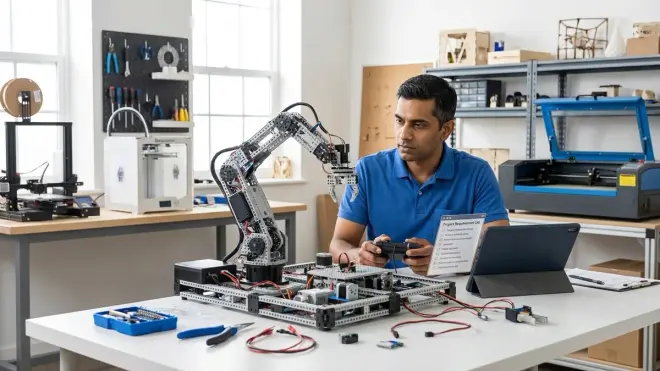
Final validation: Can the product support an actual portfolio project demonstrating employable competency? This question eliminates products with impressive marketing but insufficient technical depth.
Portfolio project criteria:
- Complexity threshold: Project must require 20-40 hours of focused work, integrating multiple concepts learned across product use
- Tangible output: Physical prototype, working code repository, or documented design file—not just completion of guided activities
- Presentation readiness: Results suitable for science fair exhibition, GitHub portfolio, or college application supplement
- Iteration capability: Product supports debugging, redesign, and optimization cycles that mirror professional development processes
Products passing this test enable learners to answer the interview question "show me something you've built" with concrete demonstrations of competency. Those failing produce only guided activities with no creative application.
I evaluate this by attempting to use each product to solve an actual engineering problem I've encountered professionally, scaled to appropriate complexity. Products that can't support this translation lack sufficient depth for skill transfer.
Pro Tips & Common Mistakes
Avoid age-range marketing: Chronological age correlates poorly with skill readiness. A 12-year-old with three years of block coding experience needs different products than a 12-year-old starting from zero. Evaluate based on current demonstrated competencies, not birthdays. Age-specific STEM learning paths provide better frameworks.
Prioritize products supporting failure: The most valuable learning occurs during debugging and troubleshooting. Products that prevent failure through excessive hand-holding teach learned helplessness rather than engineering resilience. Look for platforms that expose error messages, allow incorrect approaches, and require systematic problem-solving.
Recognize when to abandon platforms: Products serve specific skill ranges. Continuing to use entry-level tools past their learning ceiling wastes time better spent advancing to professional-grade platforms. Plan transitions before purchasing—know what comes next in the learning path.
Discount entertainment value: Engagement matters, but "fun" frequently masks shallow learning. Products emphasizing game mechanics over skill acquisition optimize for the wrong outcome. Some friction and challenge signal genuine learning is occurring.
Common mistake: Purchasing multiple products teaching identical competencies at similar levels. Three different block-coding robots don't accelerate learning—they represent redundant investment. Instead, build vertical depth through progressive complexity.
I maintain a spreadsheet tracking skill acquisition dates, capability milestones achieved, and time investment per product. This data reveals which purchases delivered ROI and which represented wasted capital.
Frequently Asked Questions
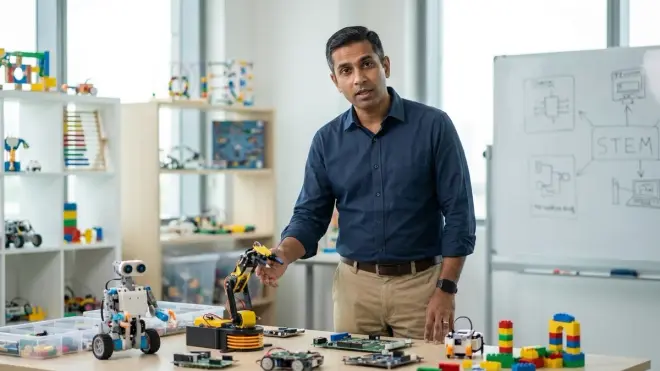
What's the minimum skill outcome that justifies a STEM toy purchase? A product must enable the learner to independently create something novel—a program, design, or mechanism—that wasn't explicitly demonstrated in the included instructions, requiring application and synthesis of learned concepts. If the product only supports replication of provided examples, it fails to build transferable skills. The threshold for "real skills" is whether the learner can use acquired knowledge to solve a problem the product creators never anticipated.
How do I know if a product prepares kids for industry-standard tools? Verify that the product uses or directly connects to software and hardware platforms employed in professional contexts: Python, Arduino IDE, Fusion 360, Git, standard electronics components with datasheets. Products creating this bridge explicitly state compatibility in technical specifications. Those using proprietary languages, closed ecosystems, or unique hardware with no external applications prepare learners for nothing beyond that specific toy. Research whether universities and companies use the same or directly related tools—if not, the product teaches a dead-end skill.
Should I choose products requiring subscriptions or one-time purchases? One-time purchases deliver superior long-term value unless the subscription provides continuously updated curriculum explicitly teaching new industry-relevant skills at rates faster than the subscription cost. Most subscription models lock away basic functionality behind recurring fees while delivering static content—unacceptable economics. Calculate five-year total cost and divide by estimated skill hours gained. Subscription products rarely compete with purchase-once platforms on this metric. Exceptions exist for advanced cloud computing platforms teaching DevOps or distributed systems concepts that require ongoing infrastructure costs.
How many STEM products should a child have at each skill level? One comprehensive platform per skill domain at each level: one robotics kit, one programming environment, one design/fabrication tool. Multiple products teaching identical competencies at similar complexity levels waste resources without accelerating learning. Budget for depth through expansion modules and advanced challenges within platforms rather than breadth across redundant products. The transition point to a new product occurs when the current platform can no longer support meaningfully more complex projects—typically 12-18 months for quality platforms. Progressive STEM learning paths should stack vertically, not horizontally.
Summary
How to choose STEM toys that teach real skills requires systematic evaluation against professional competency requirements, not marketing claims. Prioritize products exposing learners to industry-standard tools—Python, Arduino, CAD platforms—through progressive skill architectures with documented capability milestones. Calculate total cost including consumables and subscriptions, verify technical compatibility and expandability, and assess Lab Specs for educational durability. Products must support portfolio-quality projects demonstrating employable skills, not just guided activities with no creative application.
The framework eliminates 80% of products marketed as "STEM" by revealing their lack of transferable skill outcomes, poor technical architecture, or unsustainable economics. What remains represents genuine investment in career readiness rather than expensive entertainment. I apply these filters to every product entering my children's learning environment, accepting that fewer, better-chosen tools deliver superior outcomes to larger collections of shallow alternatives.
Deploy this evaluation methodology before your next purchase. The difference between toys and tools is measurability—real skills produce quantifiable capabilities that translate directly to competitive advantage in academic and employment contexts.