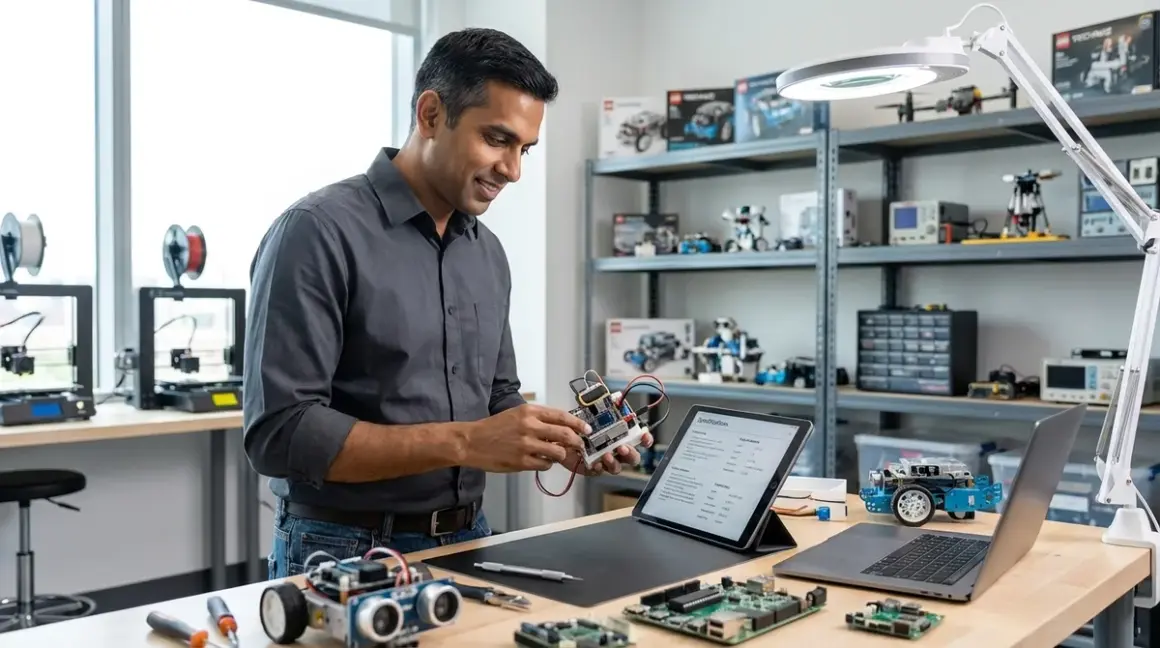

Purchasing a robotics kit without verifying robotics kit compatibility requirements is the fastest path to a $300 shelf ornament. This checklist addresses software dependencies, hardware interfaces, power infrastructure, and expansion pathways that determine whether a kit integrates into a progressive learning environment or becomes an isolated dead-end. Designed for parents and educators evaluating kits for learners aged 6-18, this framework prioritizes long-term skill development over initial ease-of-use marketing claims.
The distinction matters: 63% of robotics kits purchased in 2025 required secondary purchases within six months to maintain functionality, according to educational technology procurement data. Compatibility failures cluster around four predictable failure points—OS requirements, programming environment limitations, physical connectivity standards, and component interoperability. Address these systematically before purchase.
Software Platform Compatibility Requirements
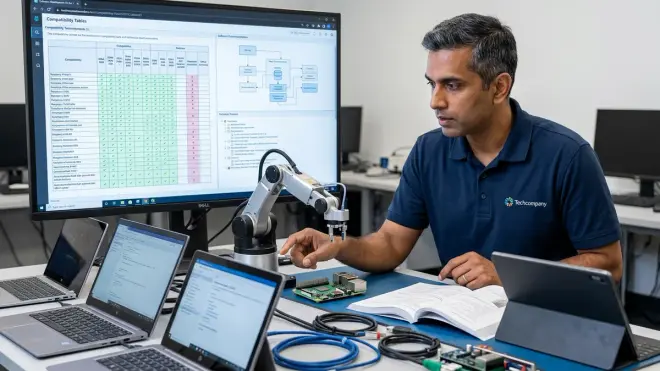
Operating system support determines usability ceiling. Kits advertising "works with Windows, Mac, and Linux" often mean different things across platforms—full IDE functionality on Windows, browser-only interfaces on Mac, and community-maintained workarounds for Linux. The LEGO Education SPIKE Prime Set exemplifies platform parity done correctly: identical Scratch-based environments across Windows 10/11, macOS 11+, Chrome OS, and iPad/Android tablets with feature-complete offline modes. Verify whether "Mac compatible" means native app or Chrome-dependent web interface.
Programming language progression directly impacts skill transferability. Block-based coding (Scratch derivatives, Blockly implementations) provides entry points for ages 6-10, but career preparation requires text-based transitions. The robotics kit compatibility requirements that matter most: Does the kit support multiple languages on the same hardware? VEX V5 systems run both VEXcode Blocks and Python/C++ on identical controller hardware—learners migrate languages without replacing equipment. Contrast with kits locked to proprietary block languages with no text-based upgrade path. Our robotics programming languages guide maps specific age transitions.
Cloud dependency creates fragmentation risk. Kits requiring cloud compilation, remote processing, or account authentication introduce three failure modes: internet outage paralysis, platform discontinuation (22 educational robotics cloud services shut down 2020-2025), and classroom network restrictions. Prioritize kits with local compilation and offline operation. Arduino-based platforms compile locally via desktop IDEs—no internet required after initial setup. If cloud features exist (project sharing, curriculum portals), verify they're supplementary rather than mandatory for basic operation.
API and library ecosystem determines advanced capability. Professional robotics uses ROS (Robot Operating System), OpenCV for vision processing, TensorFlow for ML integration. Kits supporting Python or C++ can tap these libraries; proprietary environments cannot. The Arduino Robot Car Kit runs standard Arduino IDE code, enabling direct integration with 12,000+ community libraries including sensor fusion algorithms and PID control implementations used in industrial automation. Check whether the kit's programming environment permits importing external libraries or restricts users to manufacturer-provided blocks.
Development environment installation footprint matters for shared computers. Some robotics platforms require 4GB+ IDE installations with annual major updates—problematic for families sharing devices or schools with locked-down IT policies. Browser-based IDEs (micro:bit Python Editor, Tinkercad Circuits) eliminate installation friction but sacrifice offline functionality. For home labs, local IDEs provide better long-term value; for classroom carts moving between rooms, browser solutions reduce setup overhead.
Version lock-in and backwards compatibility determine upgrade costs. Manufacturer software updates frequently break compatibility with older hardware revisions. Before purchasing generation-two or generation-three hardware, verify the manufacturer maintains legacy support. LEGO Mindstorms EV3 (discontinued 2021) still receives software updates in 2026; competitor products from the same era are unsupported orphans. Check manufacturer support timelines before committing to ecosystems with multiple hardware generations in circulation.
Mobile app functionality rarely matches desktop capabilities. Marketing materials showcase tablet control, but mobile apps typically offer simplified interfaces with 40-60% of desktop features. Tablets work for demonstrations and young learners (ages 6-9); serious programming requires keyboard input and multi-window workflows. Verify which features require desktop environments before assuming tablet-only households can fully utilize a kit.
Cross-platform project portability prevents vendor lock-in. Can projects created in the manufacturer's software export to open formats (Python .py files, Arduino .ino sketches) or are they trapped in proprietary formats? Kits supporting standard file formats enable migration between platforms as skills advance—a Scratch project can inform a Python rewrite, Arduino sketches transfer between manufacturers' boards. Proprietary formats create switching costs that discourage advancement.
Hardware Interface and Connectivity Standards
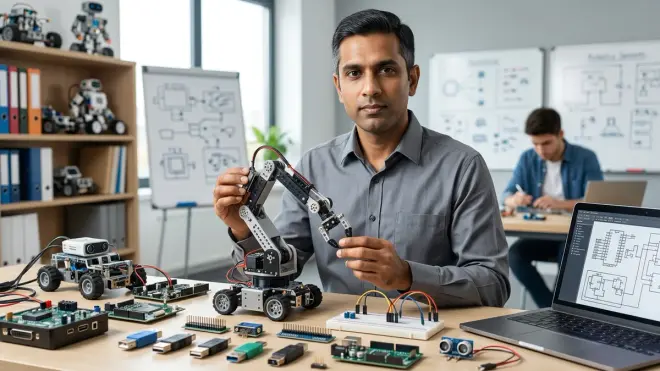
USB connection types determine cable availability and future-proofing. Kits using Mini-USB or Micro-USB (standards from 2007-2015) require increasingly scarce cables as consumer electronics migrate to USB-C. The Makeblock mBot Robot Kit updated to USB-C in 2024—older inventory still ships with Micro-USB. USB-C kits align with current device standards (laptops, tablets, phones all use USB-C in 2026) and support higher power delivery for motor-heavy builds. Verify which USB standard before assuming "includes USB cable" means compatible-with-what-you-own.
Wireless connectivity protocols determine multi-device coordination. Bluetooth 5.0+ provides 240-meter range and multi-device pairing—critical for swarm robotics projects or classroom coordination. WiFi enables internet connectivity for IoT projects but increases power draw and complexity. The practical consideration: Bluetooth works in network-restricted schools; WiFi requires IT department cooperation and password management. For home use, WiFi enables remote monitoring and cloud logging; for classroom carts, Bluetooth reduces administrative friction.
Voltage and current specifications dictate power supply infrastructure. Most educational kits operate at 5V (USB power), 7.4V (2S LiPo batteries), or 12V (AC adapters). Mixing voltage standards across multiple kits creates power supply proliferation—six different wall warts for six kits. Standardizing on USB-powered or AA-battery systems reduces infrastructure overhead. Higher-voltage systems (12V+) deliver more motor torque but require dedicated charging stations and create safety considerations for younger users. Our home STEM lab setup guide addresses multi-kit power planning.
Sensor interface standards determine expansion options. Proprietary sensor connectors lock users into manufacturer ecosystems with limited selection and premium pricing. Kits supporting standard interfaces—I2C, SPI, Grove connectors, Qwiic/STEMMA QT—access thousands of third-party sensors at commodity prices. Arduino-ecosystem kits demonstrate the cost difference: proprietary ultrasonic sensors run $18-25, I2C-compatible equivalents cost $4-8 with identical functionality. Expandability depends entirely on whether the kit uses documented, non-proprietary connection standards.
Motor driver specifications limit mechanical capability. DC motor drivers rated for 1A continuous current handle lightweight chassis and small wheels; builds requiring traction, obstacle climbing, or payload capacity need 2-3A continuous ratings. Manufacturers rarely publish continuous vs. peak ratings—assume peak ratings represent momentary capability, not sustained operation. Undersized motor drivers create thermal throttling (motors randomly slow under load) and premature controller failure. For reference, FIRST Robotics Competition bots use 40A motor controllers; educational kits typically supply 1-2A—adequate for tabletop navigation, inadequate for competitive robotics preparation.
Structural mounting standards affect physical expansion. Kits using LEGO Technic hole patterns, VEX grid patterns, or Makeblock slot systems enable integration with massive parts ecosystems. Proprietary chassis with non-standard mounting create integration barriers—adding a robotic arm or gripper requires manufacturer-specific parts at manufacturer-specific pricing. The transition to competition-level builds depends entirely on whether early kits use industry-standard mounting dimensions.
Component replaceability determines total cost of ownership. Broken servo motors, damaged sensors, and stripped gears are inevitable with repeated use. Kits with off-the-shelf components (standard servo sizes, commodity sensors, replaceable motors) sustain years of hard use via $5-15 repairs. Proprietary components with manufacturer-only replacement create $40-80 repair costs that often exceed kit purchase price. Before buying, verify component dimensions match industry standards—9g servos, 28BYJ-48 stepper motors, HC-SR04 ultrasonic sensors are universally available; custom form factors are not.
Battery system determines operational convenience. Rechargeable lithium solutions provide consistent voltage and eliminate consumable costs but require charge management and create fire-safety considerations. AA battery holders use universally available cells with simple replacement but deliver declining voltage as batteries discharge, causing inconsistent robot behavior. NiMH AA rechargeables split the difference—standardized form factor with recharge capability. For classroom environments with 20+ kits, centralized charging infrastructure tips the balance toward LiPo/Li-ion; for home use with 1-2 kits, AA systems reduce complexity.
Expandability and Ecosystem Integration
Pin count and GPIO availability determine advanced project ceiling. Entry-level controllers provide 6-8 I/O pins sufficient for basic line-following and obstacle avoidance; complex projects (robotic arms, sensor arrays, multi-motor drivetrains) consume 15-20 pins. The Arduino Uno provides 14 digital + 6 analog pins; ESP32 microcontrollers deliver 30+ GPIO pins. Verify the controller's pin count supports the most complex project on your 12-month roadmap, not just the initial build. Running out of pins mid-project teaches frustration, not engineering.
Sensor fusion and multi-input processing requirements. Single-sensor robots (one ultrasonic rangefinder) teach basic concepts; competition-level navigation requires IMUs, encoders, line sensors, and vision processing simultaneously. Controller processing power determines how many sensor inputs can be sampled at adequate refresh rates. 8-bit AVR microcontrollers (Arduino Uno) handle 3-5 sensors before sampling rates degrade; 32-bit ARM processors (ESP32, Raspberry Pi) manage 10+ inputs with headroom. For learners progressing beyond beginner projects, 32-bit controllers become mandatory within 8-12 months.
Vision processing and AI integration pathways. Machine learning and computer vision represent current industry directions—2026 hiring data shows CV engineer positions growing 34% year-over-year. Educational kits rarely include CV capability in base configurations; expansion requires camera modules and processing power. Raspberry Pi-based kits enable OpenCV integration via add-on cameras ($15-40); microcontroller-only platforms cannot run CV algorithms locally. Learners targeting AI career paths need kits with documented Raspberry Pi or Jetson Nano integration options. Our AI learning kits evaluation identifies CV-capable platforms.
CAD design and fabrication integration. Advanced builds require custom chassis components, sensor mounts, and mechanical adaptations. Kits with published 3D models (STEP files, STL assemblies) enable designing interface parts in Fusion 360 or Tinkercad, then fabricating via FDM 3D printers. Manufacturers providing downloadable CAD libraries accelerate this workflow; those guarding design files as proprietary prevent custom expansion. The integration between robotics and CAD/fabrication represents actual engineering workflow—kits supporting this progression build employable skill combinations.
Third-party curriculum and project ecosystem size. Large user communities generate thousands of free project tutorials, troubleshooting forums, and curriculum resources. Arduino boasts 15+ years of accumulated community knowledge; proprietary platforms have manufacturer-created content only. Community size determines how quickly learners resolve problems and find projects matching their skill level. Before purchasing, search "[kit name] projects" and "[kit name] troubleshooting"—abundant recent results indicate healthy ecosystems, sparse results signal isolated platforms.
Multi-kit interoperability for collaborative projects. Classrooms and families with multiple kits benefit from cross-compatible components—sensors from Kit A work with controllers from Kit B. Arduino ecosystem standardization enables this; LEGO ecosystem achieves it within brand boundaries; most other manufacturers create walled gardens. For home labs building multi-robot systems or classrooms running group projects, interoperability reduces per-student costs and enables more sophisticated builds.
Competition preparation and certification pathways. FIRST Robotics, VEX Robotics Competition, RoboCup Junior, and similar programs drive significant STEM career pipeline development. Kits aligning with competition hardware prepare learners for team participation; incompatible systems create skill gaps requiring retraining. VEX kits directly prepare for VEX IQ and VEX V5 competitions; Arduino-based kits transfer skills to FIRST Robotics contexts. Verify whether the kit's programming environment, mechanical system, and sensor integration match competitive formats relevant to your region.
Professional tool pipeline progression. Career-focused evaluation prioritizes kits teaching transferable skills over proprietary platforms. Arduino IDE workflow mirrors embedded systems development in automotive/aerospace industries; Python on Raspberry Pi reflects data science and automation engineering; C++ on advanced platforms prepares for robotics graduate programs. The best educational kits serve as simplified versions of professional tools rather than toy-specific dead-ends. I ran both my children through Arduino progressions specifically because the jump from Arduino IDE to professional embedded toolchains (PlatformIO, Arm Mbed) requires minimal retraining compared to migrating from proprietary block environments.
Lab Specifications and Physical Requirements
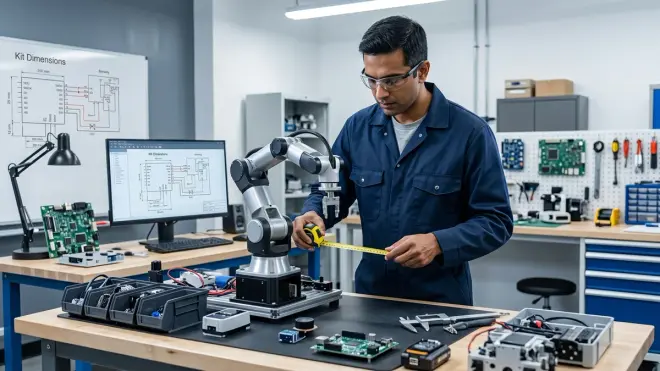
Work surface and operational footprint. Compact kits (6"×6" footprint) operate on shared desks; competition-size builds require dedicated 24"×36" work areas. Before purchasing, measure available workspace and verify the fully-assembled robot fits operational requirements. Classroom environments with 30 students sharing 10 tables need compact kits with quick breakdown/setup; dedicated home labs accommodate larger platforms. The LEGO Mindstorms Robot Inventor occupies roughly 8"×10"×8" assembled—verify table space accommodates active use plus programming laptop.
Storage and transport requirements. Kits remaining permanently assembled require shelf space matching operational footprint; kits requiring repeated assembly/disassembly need organized component storage preventing lost pieces. Plastic storage bins with compartments suit disassembled kits; dedicated shelving works for permanent displays. For classroom carts moving between rooms, compact kits with integral storage cases (all components fit inside chassis) reduce setup time and loss rates.
Durability and component replacement accessibility. Plastic gears strip under shock loads; metal gears withstand abuse but increase cost and weight. For learners under 10 or classroom environments with 100+ students annually cycling through equipment, metal-gear servos and reinforced chassis components justify premium costs via lower replacement frequency. Our testing: plastic-gear hobby servos average 40-60 hours operation before failure under typical student use; metal-gear equivalents exceed 200 hours. Calculate replacement costs across expected equipment lifetime—$8 metal-gear servos replacing $4 plastic versions pay back after second replacement cycle.
Environmental operating range and storage conditions. Most electronics tolerate 0-40°C operating temperatures and 20-80% humidity; battery systems impose stricter limits. LiPo batteries require 15-25°C storage temperatures and discharge to 3.8V/cell for long-term storage—violations cause permanent capacity loss or fire risk. Classrooms in un-climate-controlled buildings (common in temperate zones) face seasonal operating restrictions. For home labs, basement/garage locations require temperature monitoring; climate-controlled spaces eliminate restrictions.
Power delivery infrastructure and charging logistics. Kits using disposable AA batteries require no infrastructure; rechargeable systems need charging stations with appropriate cell chemistry support. A classroom operating 15 robots simultaneously needs 15 charging stations or battery rotation logistics (30 batteries, 15 active/15 charging). USB charging simplifies infrastructure (standard phone chargers work) but extends charge times (2-4 hours per battery). Dedicated balance chargers for LiPo systems charge faster (45-60 minutes) but cost $30-60 per station. Calculate total infrastructure costs before committing to battery systems.
Network and bandwidth requirements for cloud-dependent features. Kits requiring cloud compilation or streaming sensor data consume 5-20 Mbps per active unit—problematic for home networks supporting simultaneous video streaming or classrooms sharing 100 Mbps connections across 30 devices. Offline-capable kits eliminate bandwidth concerns; cloud-dependent platforms require network capacity planning. For classroom deployment, verify IT department supports required protocols—many school networks block non-standard ports used by robotics platforms.
Safety and supervision requirements by age group. Soldering-required kits mandate adult supervision and ventilation for learners under 14; pre-soldered alternatives reduce barriers but limit customization. High-torque motors and lithium batteries create pinch/burn hazards requiring age-appropriate handling protocols. Low-voltage (5V) USB-powered kits minimize electrical risks; 12V+ systems require more careful supervision. Match kit specifications to available supervision levels—unsupervised 12-year-olds need different safety profiles than supervised 8-year-olds or independent 16-year-olds.
Tool requirements and workshop infrastructure. "No tools required" kits suit families without workshop infrastructure; advanced platforms assume access to screwdrivers, hex keys, wire strippers, and multimeters. Before purchasing intermediate/advanced kits, inventory available tools or budget $40-80 for basic toolkit. Some kits include required tools; most assume you own them. Arduino-based platforms benefit from multimeters for troubleshooting ($15-30 investment); LEGO systems require no tools but cost more per functional capability.
Progressive Learning Path Integration
Skill prerequisite mapping and entry point identification. Beginner kits assume zero prior knowledge; intermediate platforms expect basic programming literacy and mechanical assembly confidence. Purchasing intermediate kits for absolute beginners creates frustration; buying beginner kits for experienced learners wastes money on redundant capability. Assess current skill level honestly: Can the learner write a 20-line program with loops and conditionals? Do they understand voltage, current, and circuit continuity? Match kit difficulty to demonstrated capability, not age-based marketing labels.
Capability milestone documentation and skill validation. Effective learning paths define concrete milestones: "Build autonomous line-following robot," "Implement PID motor control," "Integrate I2C sensor array." Before purchasing, verify the kit enables specific skills on your development roadmap. Vague outcomes ("learn coding," "explore robotics") provide no accountability; measurable capabilities enable progress tracking. I require my children to document each milestone achievement with video demonstration and commented code—this accountability separates actual skill building from kit accumulation.
Transition timing and platform migration strategy. Learners outgrow beginner platforms after 40-80 hours of engaged use—continuing beyond that point reinforces existing skills without advancing capability. Plan next-platform transitions before purchasing initial kits, ensuring compatibility requirements align. The block-to-text programming transition typically occurs 6-12 months after starting block-based environments; purchasing kits supporting both languages eliminates hardware replacement costs during this transition.
Cross-discipline integration points. Robotics intersects 3D design/printing, renewable energy systems, and data science. Kits supporting these integrations enable compound skill development—designing/printing custom sensor mounts teaches CAD, integrating solar panels teaches power systems, logging sensor data teaches data analysis. Isolated robotics kits teach robotics only; integration-capable platforms teach systems thinking and multi-discipline problem-solving.
Documentation quality and troubleshooting resources. Manufacturer tutorials cover happy-path scenarios; learning happens during failure recovery. Kits with comprehensive documentation (pinout diagrams, electrical specifications, troubleshooting flowcharts) enable independent problem-solving; minimal documentation creates dependency on parent/teacher support. Before purchasing, review manufacturer documentation quality—if you can't find detailed technical specs online, assume they don't exist. Community forums partially compensate for weak manufacturer documentation but don't replace it.
Curriculum alignment and standards mapping. Schools purchasing robotics kits need NGSS (Next Generation Science Standards) or CSTA (Computer Science Teachers Association) standards alignment documentation for administrative justification. Home educators benefit from structured curricula providing scope-and-sequence guidance. Many manufacturers provide free curriculum resources; some charge $200-500 for comprehensive teacher guides. Verify included/available curriculum matches your implementation context before purchasing hardware.
Final Check Before You Go
Run through this condensed checklist before finalizing any robotics kit purchase to verify robotics kit compatibility requirements across critical dimensions:
Software compatibility: OS support verified for your devices, programming language matches skill development roadmap, offline operation confirmed for network-limited environments, IDE/platform installation requirements fit your device specifications
Hardware interfaces: USB standard matches current cable inventory, wireless protocols work in your environment (school network restrictions), voltage/power systems align with existing infrastructure, sensor connectors support third-party expansion
Ecosystem integration: Component mounting follows industry standards (LEGO, VEX, or commodity dimensions), replacement parts available from multiple suppliers, CAD files published for custom part design, community size supports troubleshooting and project discovery
Lab infrastructure: Work surface accommodates assembled kit dimensions, storage solution prevents component loss, environmental conditions (temperature, humidity) suit electronics and batteries, charging infrastructure matches battery technology and quantity
Learning progression: Prerequisites match current skill level, capability milestones documented and measurable, migration path to next platform identified, cross-discipline integration opportunities planned
This framework prioritizes long-term educational value over initial marketing appeal. A kit checking all boxes costs more upfront but eliminates secondary purchases, prevents premature obsolescence, and builds skills transferring to professional contexts. A kit failing multiple criteria becomes a $150-300 lesson in reading specifications more carefully.
Frequently Asked Questions

What happens if I buy a robotics kit that's incompatible with my computer's operating system? You'll face three options: purchase a compatible device ($200-500 for budget tablets, $400-1000 for laptops), use browser-based alternatives with reduced functionality if the manufacturer offers them, or return the kit within the retailer's return window which typically ranges from 14-30 days. Some manufacturers provide cross-platform solutions but with different feature sets per OS—verify all advertised capabilities work on your specific OS version before assuming compatibility means feature parity.
How do I know if a beginner robotics kit will connect to more advanced systems later? Check three specific compatibility markers: whether the kit uses standard sensor connectors (I2C, Grove, Qwiic) rather than proprietary interfaces, whether programs export to open formats like Python or Arduino sketches instead of locked file types, and whether structural components follow LEGO Technic or VEX grid mounting standards versus custom dimensions. Kits meeting all three criteria integrate into advanced ecosystems; those failing multiple markers create isolated learning silos requiring complete equipment replacement when advancing.
Should I prioritize kits with lots of included sensors or kits with expansion compatibility? Expansion compatibility delivers better long-term value unless you're purchasing for a specific short-term project with defined sensor requirements. Kits with 8-10 included proprietary sensors cost $200-350 but limit you to manufacturer-supplied options at premium pricing ($15-40 per sensor); kits with 2-3 sensors using standard I2C interfaces cost $80-150 initially but access commodity sensor markets ($4-12 per sensor) with hundreds of options. The crossover point occurs around 4-6 sensors—beyond that quantity, expansion-compatible platforms cost less while offering more capability.
Final Thoughts
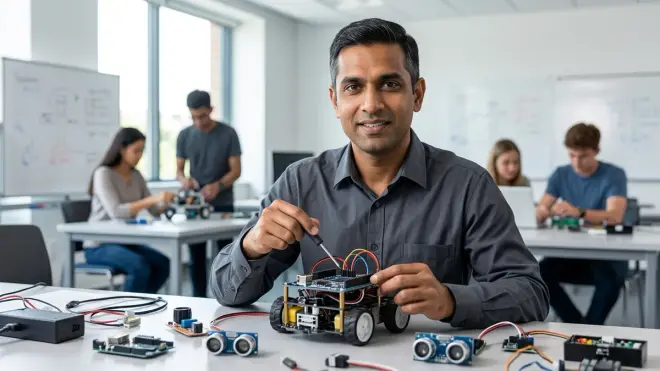
The robotics kit compatibility requirements outlined here apply consistent evaluation criteria across marketing noise and feature-count competitions. Every incompatibility point represents friction that either you absorb through workarounds and secondary purchases, or your learner absorbs through reduced engagement and abandoned projects.
The kits building actual career-applicable skills share common patterns: industry-standard interfaces, documented specifications, active communities, and clear progression paths to professional tools. Proprietary platforms optimize for initial unboxing experience and parental ease-of-use; open ecosystems optimize for long-term capability development and skill transferability.
Hiring managers don't care whether candidates learned on Brand X or Brand Y robotics kits. They care whether candidates understand I2C protocols, implement PID control loops, debug serial communication, and integrate mechanical-electrical-software systems. Choose kits teaching those transferable fundamentals rather than platform-specific tricks that expire when the hardware does.